Landscaping
Every garden documented from the first spade to the last flower bed
The crew records an update and takes photos, and you keep the history of every garden in one place.
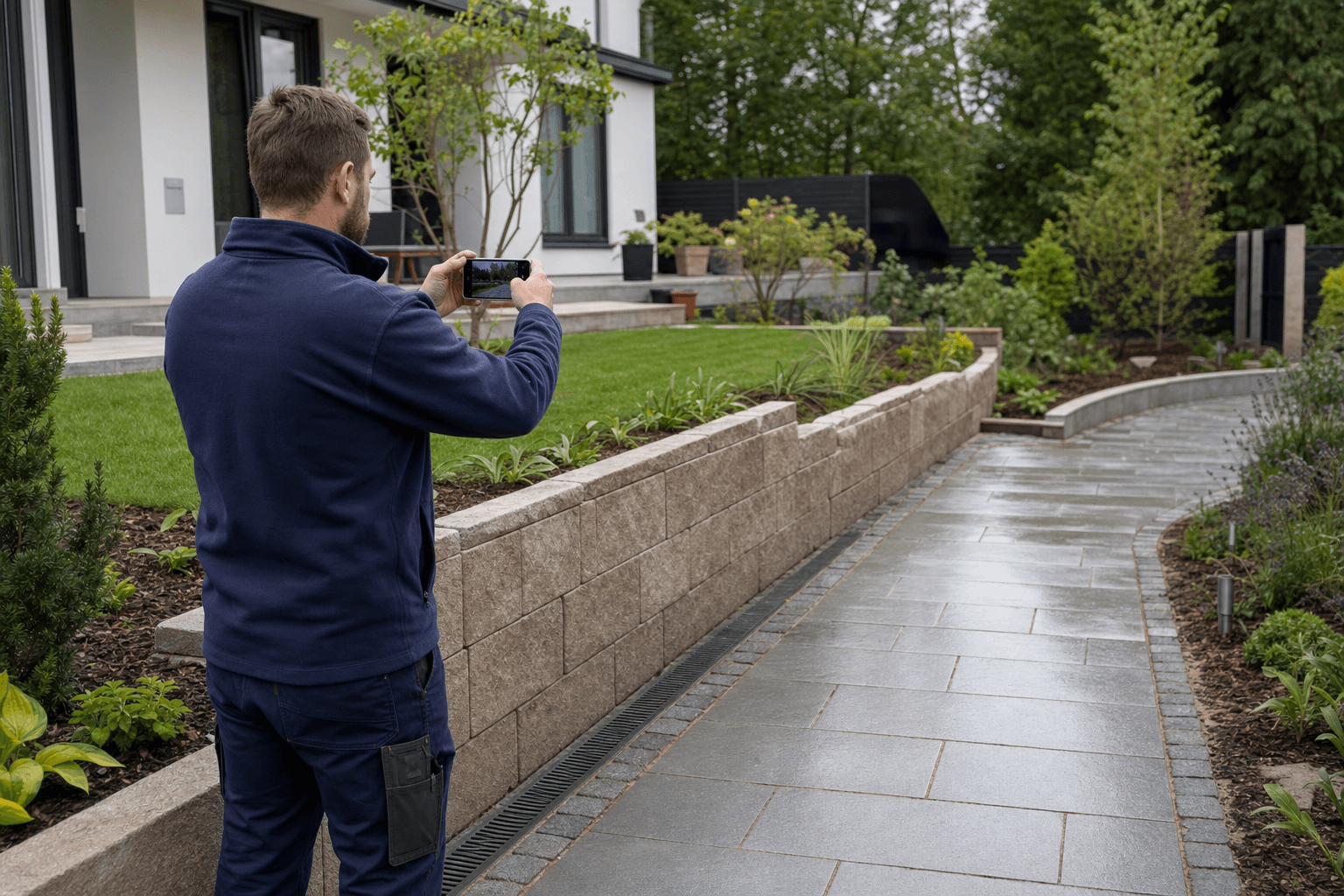
- Before and after in one place
- Seasonal jobs under control
- A client report after every stage
What it looks like in the garden
Condition before work
Dated photos of paving, trees and utilities show the condition of the site before work begins.
Stages hidden underground
Photograph irrigation, drainage and cabling before backfilling, and describe by voice what runs where.
Seasonal work
You know which gardens still wait for pruning, feeding or planting.
Garden handover
The client gets a clear PDF report with photos of the finished work.
How it looks in KlaroBud
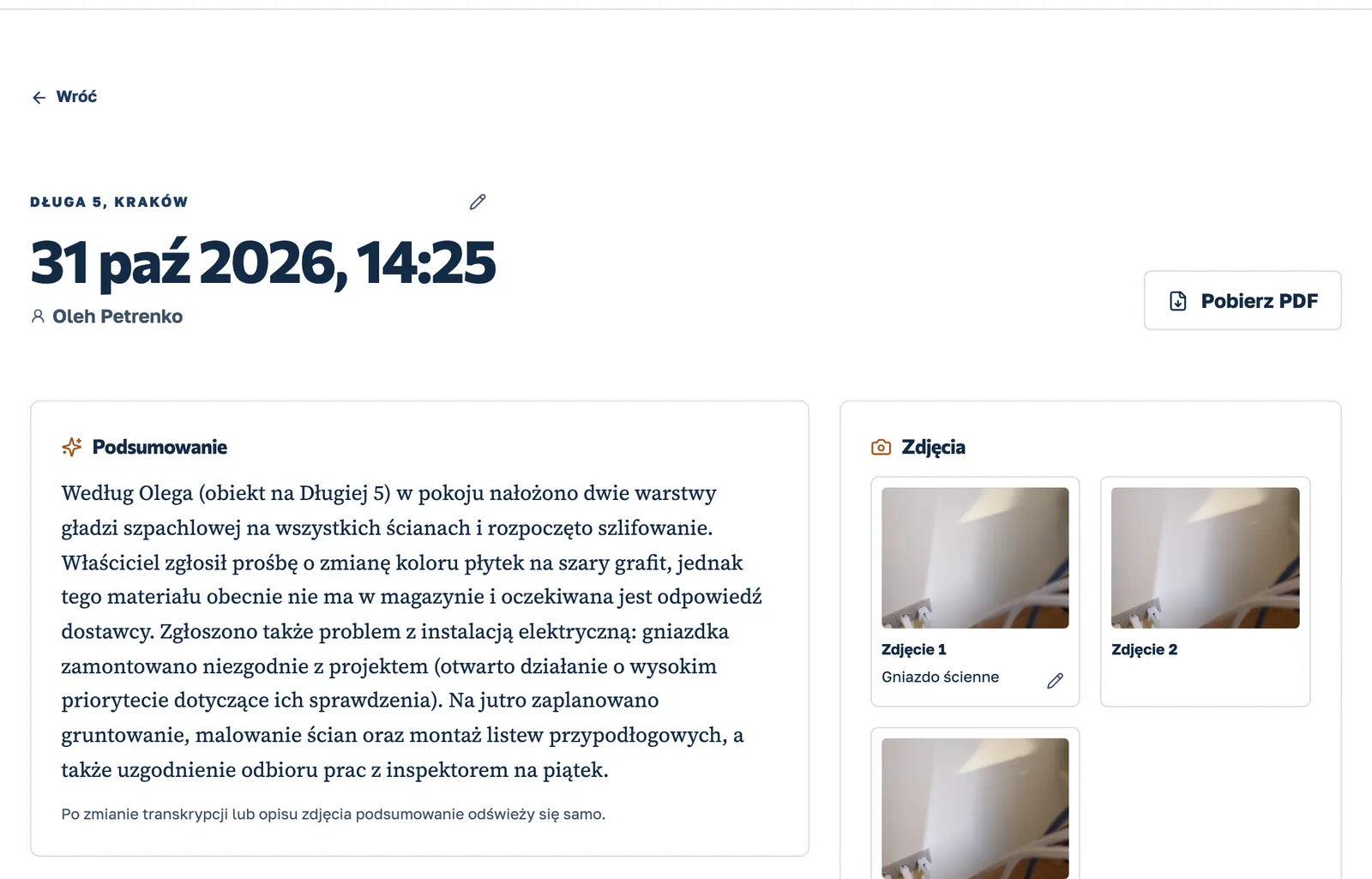
What was done, what blocks the work, what is next
A real product screen on sample data.
How it works
From the site visit to a decision in three steps
Record the visit.
One button. The worker says what was done and takes photos or short videos. It works without signal too: it sends as soon as the internet is back.
KlaroBud organises it.
Transcript, photo analysis, tasks with due dates and a short summary, ready in a few minutes. The visit lands on the right project by location.
You decide.
In the dashboard you see what needs attention, what happened each day on every site, and you find any detail or photo in seconds.
See KlaroBud on your own site
We will show you how it works using your next job. Let’s talk it through.