Record visits
Say what was done and take photos. KlaroBud handles the rest.
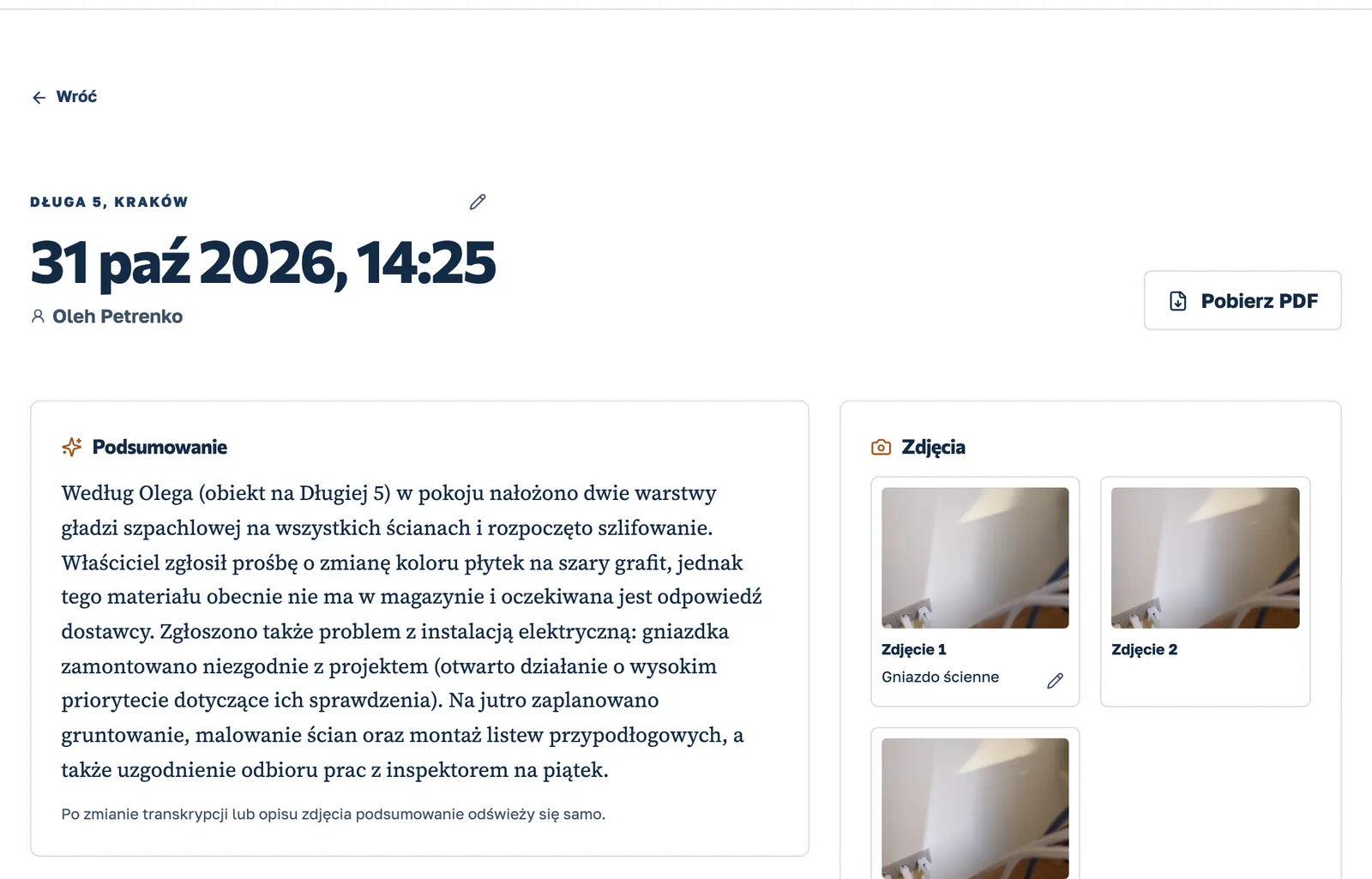
The recording and photos from the visit land on the right project. The worker does not write a report.
- One button on site
- Polish, Ukrainian, Russian and English
- Works without signal
On site, on the move
Starting condition
Photograph existing cracks and damage before the crew starts, and say a few words about the place.
Work that gets hidden
Describe services and substrate preparation by voice and take photos before they are covered.
Scope changes
A photo and a short update stay with the visit, so it is clear later where extra work came from.
A crew in several languages
Workers speak Ukrainian, Russian, Polish or English, even within one sentence.
How it works
From the site visit to a decision in three steps
Record the visit.
One button. The worker says what was done and takes photos or short videos. It works without signal too: it sends as soon as the internet is back.
KlaroBud organises it.
Transcript, photo analysis, tasks with due dates and a short summary, ready in a few minutes. The visit lands on the right project by location.
You decide.
In the dashboard you see what needs attention, what happened each day on every site, and you find any detail or photo in seconds.
See KlaroBud on your own site
We will show you how it works using your next job. Let’s talk it through.