Construction and renovation
Know what every crew did, without driving between sites
Recordings and photos from each stage in one place, with a summary and a list of what to watch.
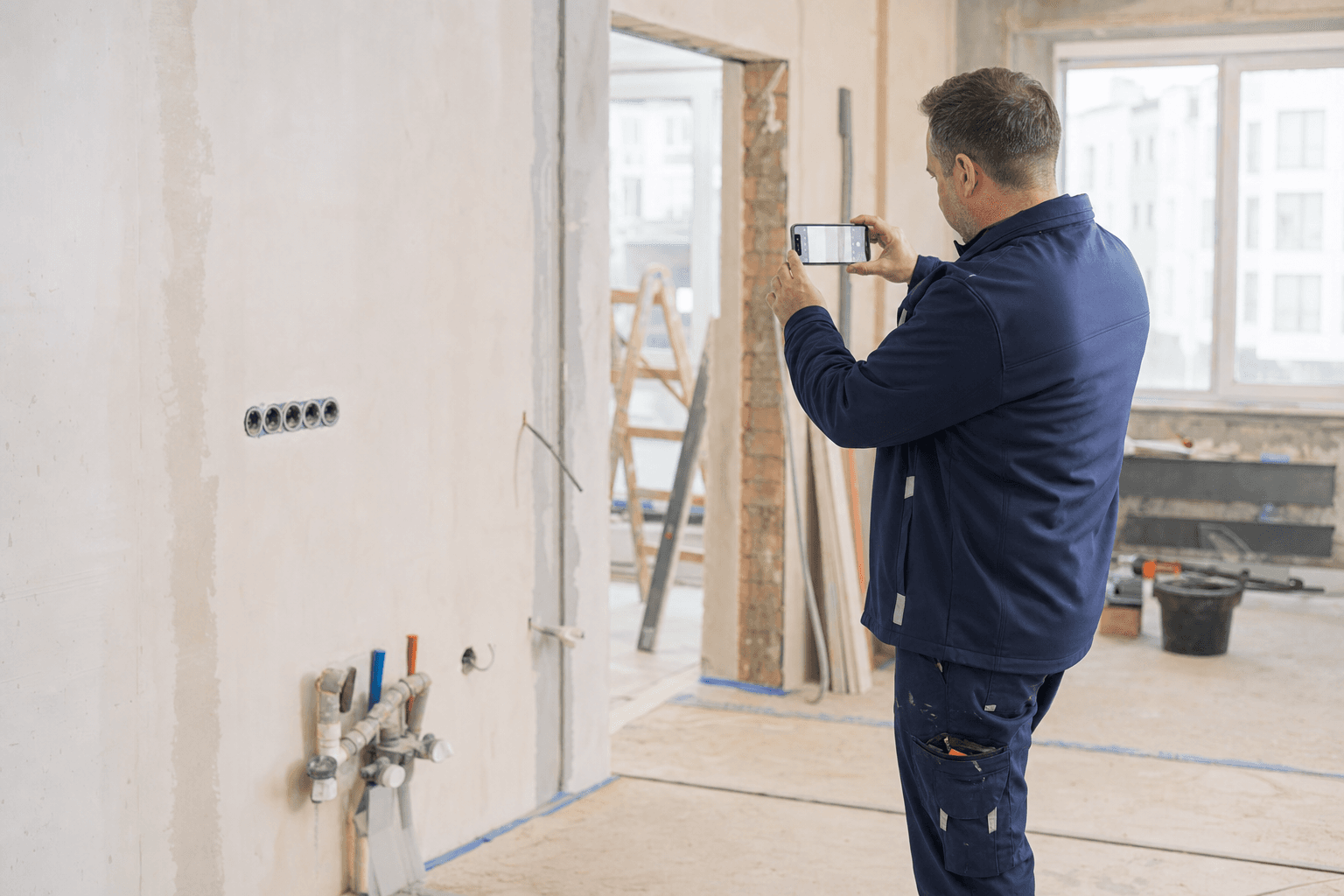
- Every stage documented
- Photos on the right project
- Blockers visible right away
What it looks like on your site
A renovation with several crews
The plumber, electrician and tiler record their visits, and you see the order of work and blockers on one list.
Stage handover
Photos of the installation before the walls are closed, with date and address, wait on the project when someone asks.
Extra work
A short update about a scope change stays with the visit, so it is clear where the extra work came from.
Billing the client
Attach a PDF report from the visits to the invoice instead of photos scattered in a chat app.
How it looks in KlaroBud
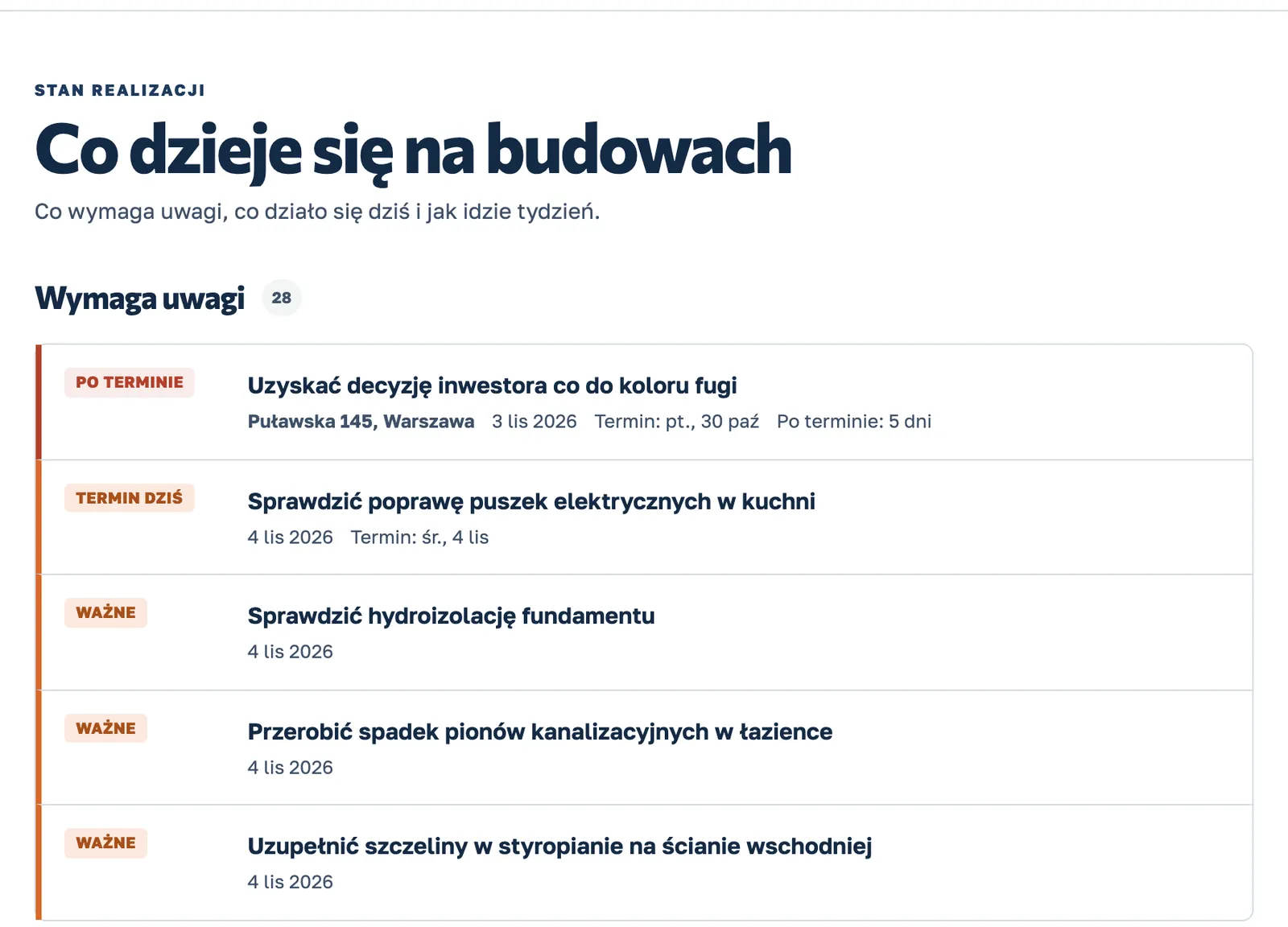
Know what needs attention before anyone calls
A real product screen on sample data.
How it works
From the site visit to a decision in three steps
Record the visit.
One button. The worker says what was done and takes photos or short videos. It works without signal too: it sends as soon as the internet is back.
KlaroBud organises it.
Transcript, photo analysis, tasks with due dates and a short summary, ready in a few minutes. The visit lands on the right project by location.
You decide.
In the dashboard you see what needs attention, what happened each day on every site, and you find any detail or photo in seconds.
See KlaroBud on your own site
We will show you how it works using your next job. Let’s talk it through.